Comments and reviews from developers using GitHits with their coding agents, collected from X, Reddit, LinkedIn, GitHub, Hacker News, and personal blogs.
Tried GitHits today it's a code context layer for AI coding agents. Instead of your agent hallucinating APIs from stale training data, it pulls real version-pinned source, docs, and package data straight from OSS repos via MCP.
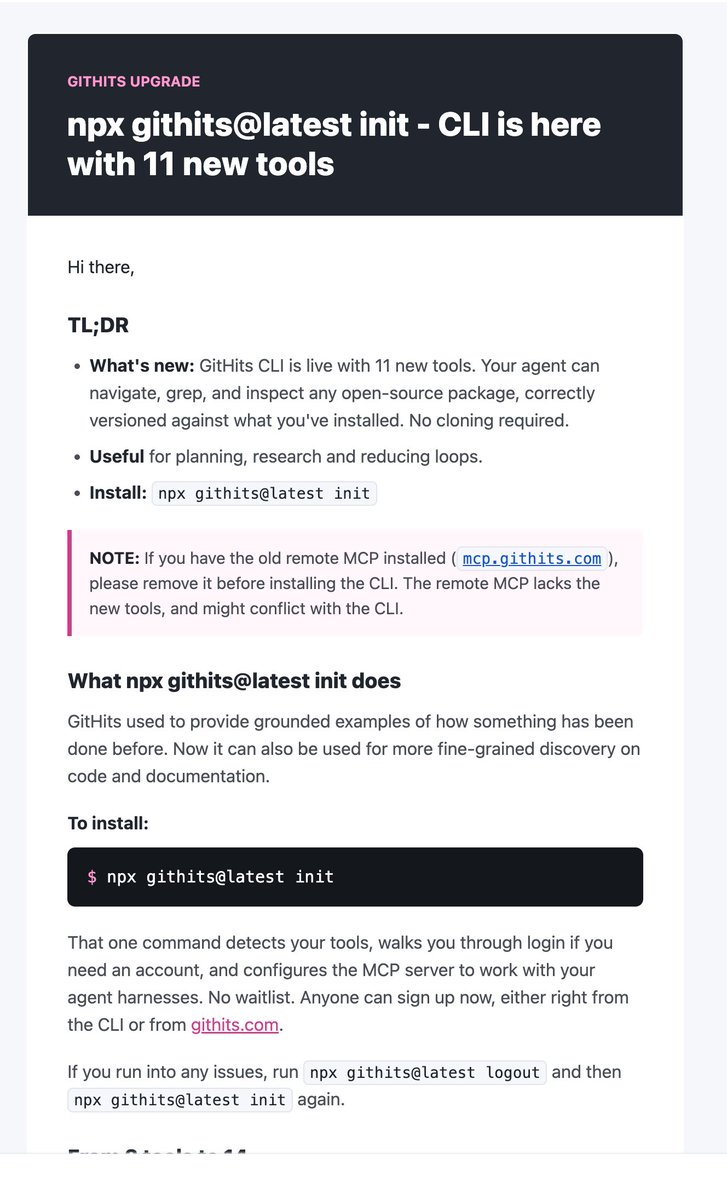
npx githits@latest init
Solid idea, clean CLI. 👏
In the bigger picture, what I think goes right in GitHits, is that it is both development process and environment agnostic, and the implementation should be fairly sandbox friendly (decoupled, read/view-oriented, in practice not involved with project/user/system state).
By far the easiest onboarding experience as well as accuracy when pointing it to open source repos for reference. My code has significantly changed for the better due to your tool.
GitHits has built a version-aware code example engine that allows AI coding agents and developers to inspect real implementations, navigate dependency source code, analyze package information, and retrieve repository context.
don't know why i keep promoting them for free
but this is why i love @GitHits_com so much
had a problem in my openusage v2 app
asked how to solve it
boom, perfect fix without guesses
Claude Code is amazing but sometimes confidently says things are impossible when they're not. GitHits MCP server helped Claude find undocumented DuckDB C++ APIs by searching actual code instead of docs. This let me build proper predicate pushdowns for my web archive extension.
The MCP is great! Whenever I don't like a solution, or my agent is stuck, I say use GitHits and it synthesizes a better solution based on real projects. I've had good results with frontend (html, css) and Golang, too.
GitHits changed my workflow because it's not a search engine, it's a discovery engine. A search engine is for when you already know what you're looking for. But a discovery engine helps you find solutions you didn't even know existed.

 Oluwanifemi@ayo4dev