[Canonical HTML page](https://githits.com/blog/grep-find-exact-matches-in-source/)
[Back to blog](/blog.md)
November 3, 2026 · 6 min read
# Grep: following exact matches through source code
Trace Pi's session writes with GitHits grep. Find callers, narrow matches and read the code that shows when listeners run relative to a file write.
An agent reading Pi’s session files needs to know whether a message completion event means the message is already in the file. Pi calls that event `message_end`.
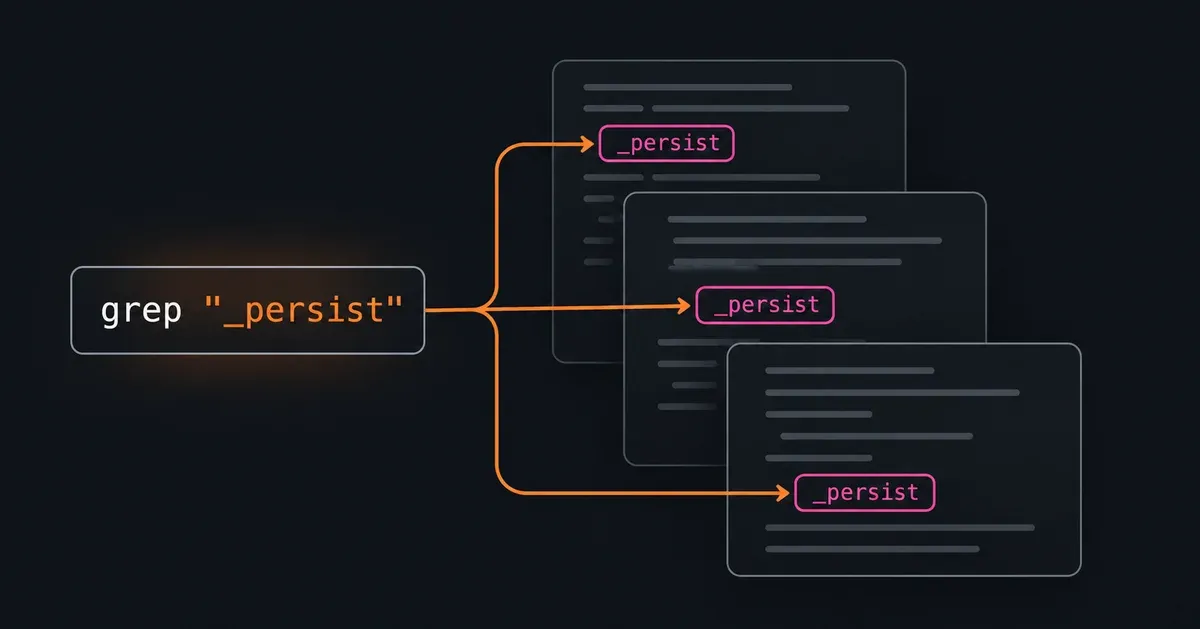
In the [search post](/blog/search-code-and-documentation.md), we found `_persist`, the method that writes session entries. Our `grep` tool can find occurrences of that name and help the agent follow the calls back to the event handler. It matches literal text or a regular expression in indexed source and documentation.
[GitHits grep explained](https://www.youtube-nocookie.com/embed/eem6VjTSCuA)
## Find occurrences of a known name
The agent already has Pi’s repository address and a commit from the earlier investigation. We call the identifier passed to the tool a **target**. Here, `github:earendil-works/pi@9c9ce854` selects that repository at commit `9c9ce854`.
```bash
githits grep -F '_persist' github:earendil-works/pi@9c9ce854 --path-prefix packages/coding-agent/src/ -C 3
```
`-F` matches the supplied text literally. `--path-prefix` limits the files to the coding agent’s source directory. `-C 3` includes three lines before and after each match.
This request returned four matches in `packages/coding-agent/src/core/session-manager.ts`:
| Line | Match |
| ---- | ----------------------------------------- |
| 1173 | The `_persist` method definition |
| 1198 | A call to `this._persist(entry)` |
| 1728 | A comment referring to `_persist()` |
| 1729 | Another comment referring to `_persist()` |
The comments and definition contain the same text as the call. The agent can narrow the pattern to the call’s spelling:
```bash
githits grep -F 'this._persist(' github:earendil-works/pi@9c9ce854 --path-prefix packages/coding-agent/src/ -C 3
```
That returned one match, at line 1198. Through MCP, the same `grep` request is:
```json
{
"targets": [
{
"target": "github:earendil-works/pi@9c9ce854",
"path_selectors": [
{ "kind": "prefix", "value": "packages/coding-agent/src/" }
]
}
],
"pattern": "this._persist(",
"pattern_type": "literal",
"context_lines_before": 3,
"context_lines_after": 3
}
```
## Follow the caller
The result’s file header gives the target and path to use with `read`. Reading the surrounding method shows that [`_appendEntry` calls `_persist`](https://github.com/earendil-works/pi/blob/9c9ce8547e5a88cbe834a53e9a6d83a789d08e47/packages/coding-agent/src/core/session-manager.ts#L1192-L1208):
```bash
githits read github:earendil-works/pi@9c9ce854 packages/coding-agent/src/core/session-manager.ts --lines 1192-1230
```
The same read includes `appendMessage`. It creates a message entry, passes it to `_appendEntry` and returns the entry’s ID. The agent can now look for callers of `appendMessage`:
```bash
githits grep -F 'appendMessage(' github:earendil-works/pi@9c9ce854 --path-prefix packages/coding-agent/src/ -C 2
```
This returned five matches across two files. One is the method definition. One is a comment. The other three are calls in `agent-session.ts`, including this location:
```text
packages/coding-agent/src/core/agent-session.ts:1181
```
## Read the event handler
Two lines of context around line 1181 show the call and a nearby branch. The event handling starts earlier, so the agent needs a larger range:
```bash
githits read github:earendil-works/pi@9c9ce854 packages/coding-agent/src/core/agent-session.ts --lines 1130-1205
```
The [handler at this commit](https://github.com/earendil-works/pi/blob/9c9ce8547e5a88cbe834a53e9a6d83a789d08e47/packages/coding-agent/src/core/agent-session.ts#L1158-L1184) does the following in order:
1. Awaits the extension event handler.
2. Calls `_emit` to notify public listeners.
3. Checks whether the event is `message_end`.
4. Calls `appendMessage` for system, user, assistant and tool-result messages. Custom messages use `appendCustomMessageEntry`.
To check how listeners run, the agent can locate `_emit` and read its definition:
```bash
githits grep -F '_emit(' github:earendil-works/pi@9c9ce854 --path packages/coding-agent/src/core/agent-session.ts --limit 10 -C 2
githits read github:earendil-works/pi@9c9ce854 packages/coding-agent/src/core/agent-session.ts --lines 1054-1059
```
[`_emit` calls each listener directly](https://github.com/earendil-works/pi/blob/9c9ce8547e5a88cbe834a53e9a6d83a789d08e47/packages/coding-agent/src/core/agent-session.ts#L1054-L1059). A listener that reads the session file synchronously during `message_end` runs before this handler appends the message. An integration can’t use receipt of that event as confirmation that the message has been written.
This conclusion applies to the inspected commit and event path. The other `appendMessage` matches include writes for bash messages, which the agent would need to inspect separately.
## Match several method names
The event handler revealed two append methods. A regular expression lets the agent find calls to either in one request:
```bash
githits grep 'this\.sessionManager\.append(Message|CustomMessageEntry)\(' github:earendil-works/pi@9c9ce854 --path packages/coding-agent/src/core/agent-session.ts -C 2
```
The expression matches `this.sessionManager.append` followed by either `Message` or `CustomMessageEntry`, then an opening parenthesis. It returned five matching lines in this file, including both calls in the event handler.
Regex is the default. For a copied error message, method name or configuration key, `-F` avoids treating punctuation as regex syntax. Matching is case-sensitive unless the agent supplies `-i`.
GitHits uses RE2 regex syntax. Lookaround and backreferences are unsupported. When searching across multiple files, the pattern must include fixed text that GitHits can use to narrow the search, such as the method-name text above. The [grep documentation](https://docs.githits.com/tools/code-navigation) lists the supported controls.
## Choose the files and check coverage
These controls let the agent adjust how much text it retrieves:
| CLI option | Effect |
| ------------------------ | ------------------------------------------------------- |
| `--path` | Select an exact file path |
| `--path-prefix` | Select files under a path prefix |
| `--glob` | Select paths with a glob pattern |
| `--corpus source` | Limit repository files to source code |
| `--corpus documentation` | Limit repository files to documentation |
| `-A`, `-B`, `-C` | Include lines after, before or on both sides of a match |
| `--limit` | Cap matches across the whole result page |
A package name and version can identify the repository source used to build a release. With a package target, file paths are relative to that package’s source directory. With a repository target, paths are relative to the repository root. Any public repository on GitHub, GitLab, Codeberg or Launchpad can be used without a published package.
`grep` also accepts hosted documentation sites. Package targets can include selected hosted documentation alongside repository files. The corpus and path filters apply to repository files, so they don’t exclude those hosted pages.
The response reports which sources it searched and whether any were omitted or still preparing. Match counts describe the current page. The `_emit` request above stopped at ten matches and returned a cursor for more. To continue, the agent adds the returned `--cursor` value to the same command, keeping the targets and matching controls unchanged.
An empty page can still have a continuation cursor or incomplete coverage. The agent should check those fields before concluding that a pattern is absent. A complete text search also depends on the spelling: calls through an alias won’t necessarily contain the method name it searched for.
With GitHits connected, try asking your agent:
> Use GitHits to check whether Pi writes a message to its session file before notifying message\_end listeners. Find the relevant calls with grep and read the handler and listener dispatch code. Keep the investigation on one commit.
[Product](/blog/tag/product.md) · [Agents](/blog/tag/agents.md) · [Code Navigation](/blog/tag/code-navigation.md)
Olli-Pekka Heinisuo — Co-founder, CTO
Keep exploring
* [The Solution](/the-solution.md)
* [Documentation](https://docs.githits.com/)
* [Changelog](https://docs.githits.com/changelog/overview)
Get started
## GitHits in one command
Install GitHits or refresh an existing setup with the same command.
`npx -y githits@latest init`
Or connect directly
* [Claude connector](https://claude.ai/directory/githits)
* [Cursor plugin](https://cursor.com/marketplace/githits)
* [Vercel connector](https://vercel.com/connect/githits)
* [Manus connector](https://manus.im/app#connectors/all/connector_8387945e-9687-4a71-86b4-8a220dbd5b6b)